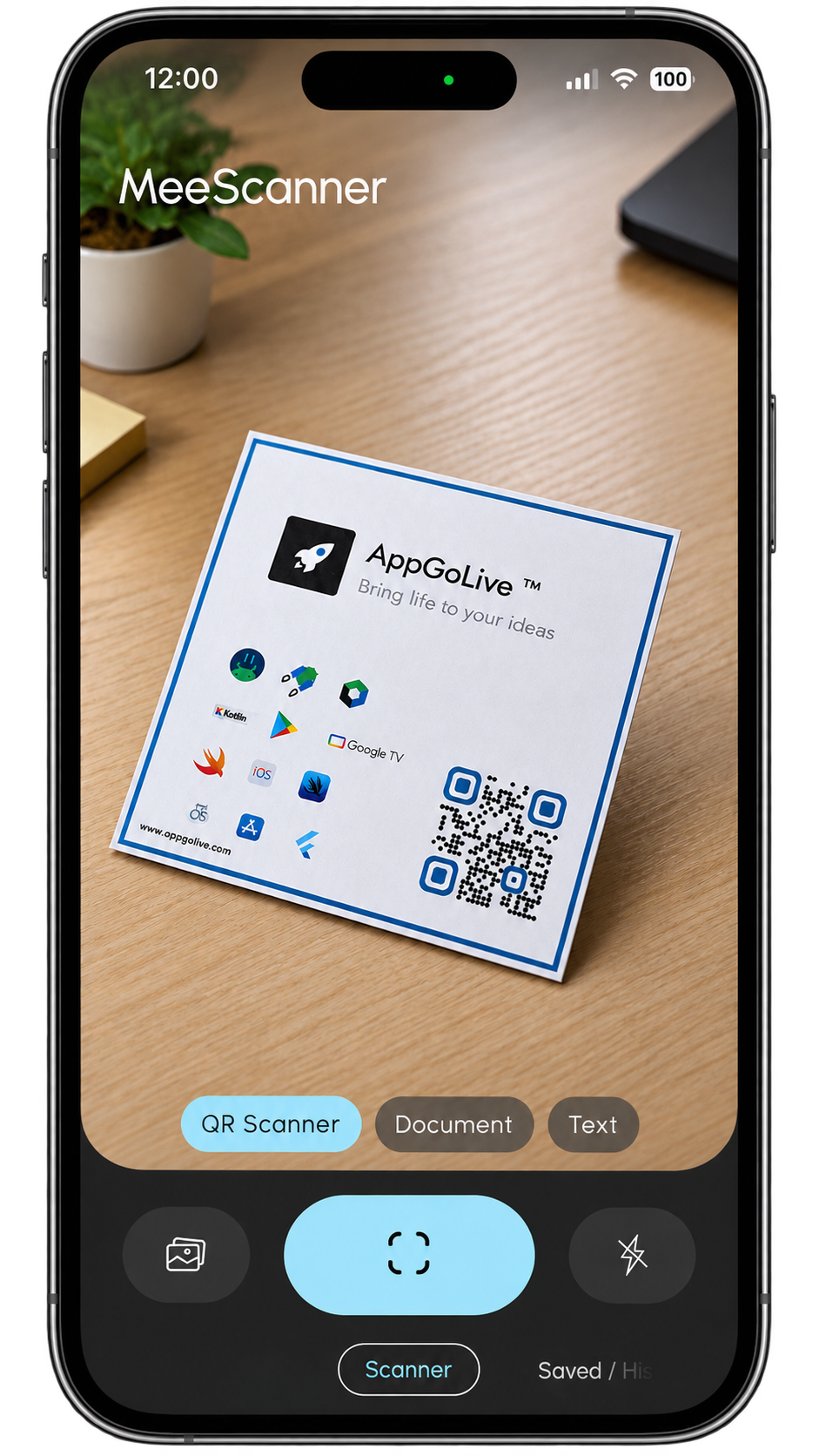
YOUR EVERYDAY SCANNER

MeeScanner

Scan. Save. Simplify.

One simple place for QR codes, barcodes, text and documents.

Explore MeeScanner ↓
MeeScanner Scanner Screen

MADE TO BE SIMPLE

Everything you need,
right in one scanner.

No complicated setup. No unnecessary steps. Just open MeeScanner, point your camera and get things done.

SCAN SAVE FIND

THREE SIMPLE TOOLS

One app.
Three ways to scan.

01
▤

GO DIGITAL

Document
Scanner

Turn paper into digital documents.
→
02
⌁

FAST & SIMPLE

QR &
Barcode

Scan codes in a moment.
→
03
Aa

CAPTURE WORDS

Text
Scanner

Turn what you see into text.
→

DOCUMENT SCANNER

Paper
becomes
digital.

Scan documents and keep important pages organized digitally.

SCAN YOUR DOCUMENTS
MeeScanner •••
✓ Page Detected
Scan More
MeeScanner •••
QR Code
✓ QR detected
Barcode scanned

QR & BARCODE

Point.
Scan.
Done.

Scan QR codes and barcodes quickly without unnecessary steps.

Ready when you are
A B C 1 2 3

TEXT SCANNER

Words
into
something useful.

Capture text from what is in front of your camera and keep the result ready to use.

MeeScanner •••
Text scanning preview
COPY
✓

YOUR SCANS

Nothing
gets lost.

Secured on your device

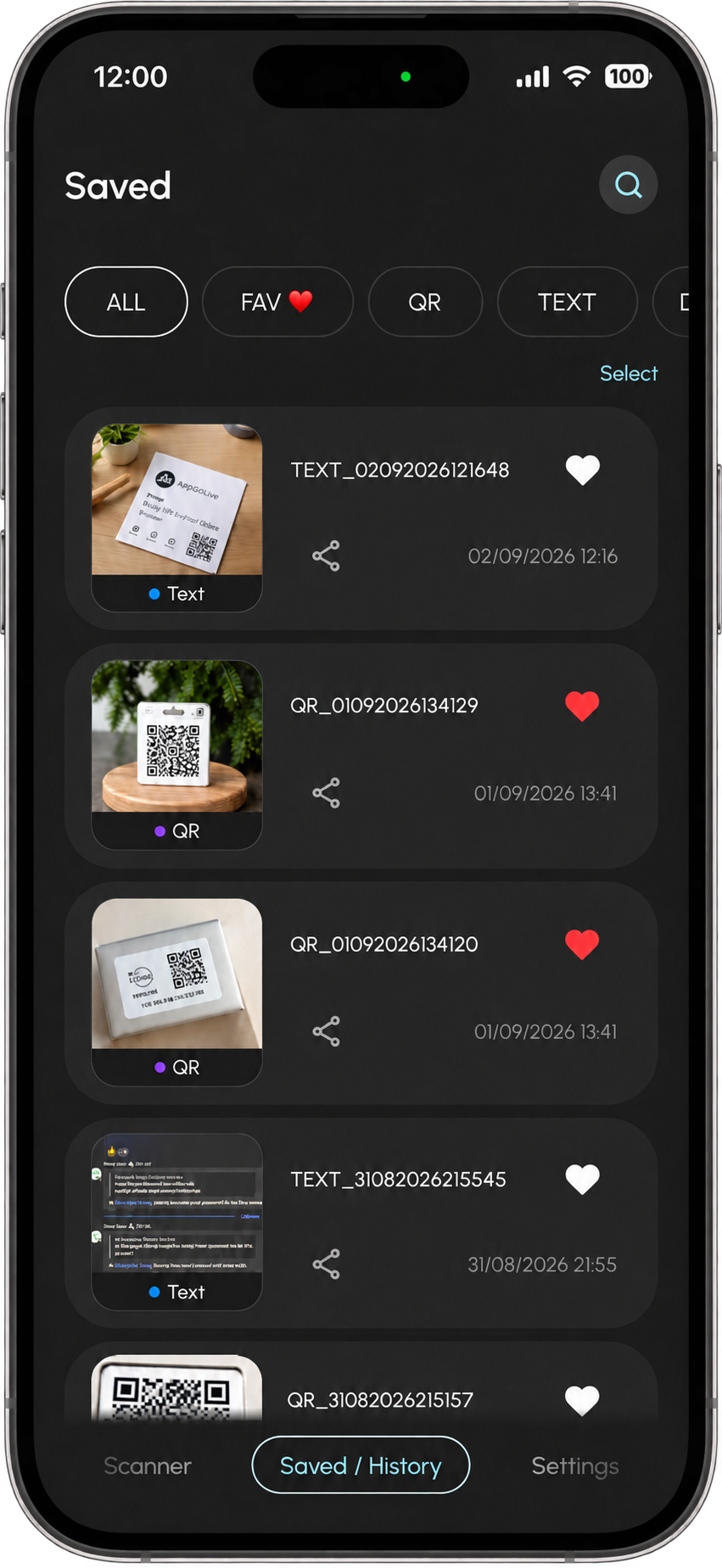
Keep your scanned results together, so you can come back to them whenever you need them.

MeeScanner History Screen
⌕
Search Find your scans
♥
Favorites Keep important results
ALL
STAY ORGANIZED

Your Scans,
Organized.

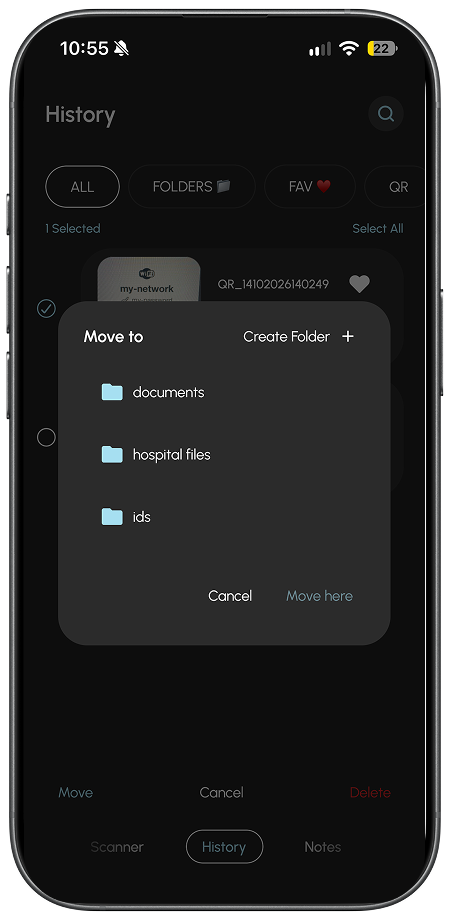
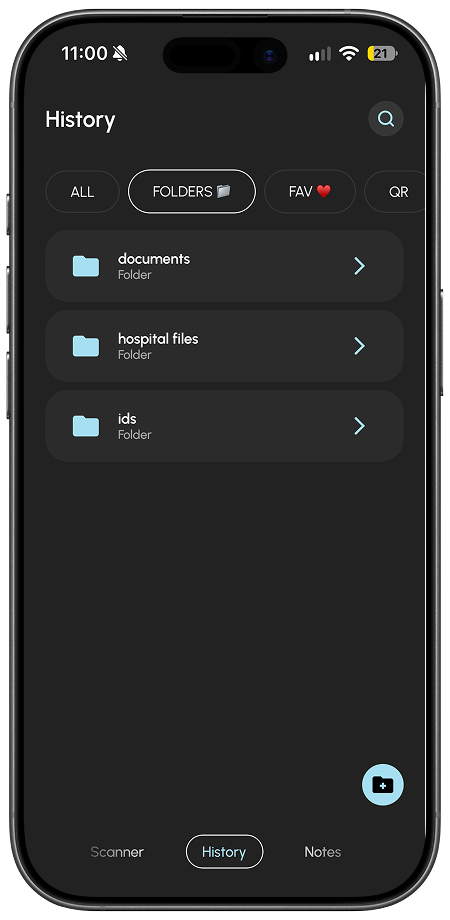
Keep everything in its place. Organize your scans into folders for effortless management and quick access whenever you need them.

MeeScanner folders screen in the background Organize scans into folders with MeeScanner
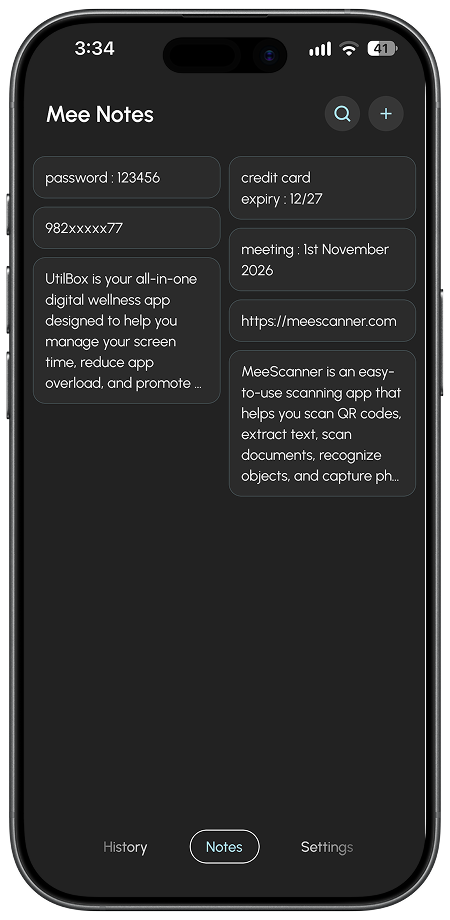
YOUR NOTES, YOUR WAY

MeeNotes

Save and remember important information with MeeNotes.

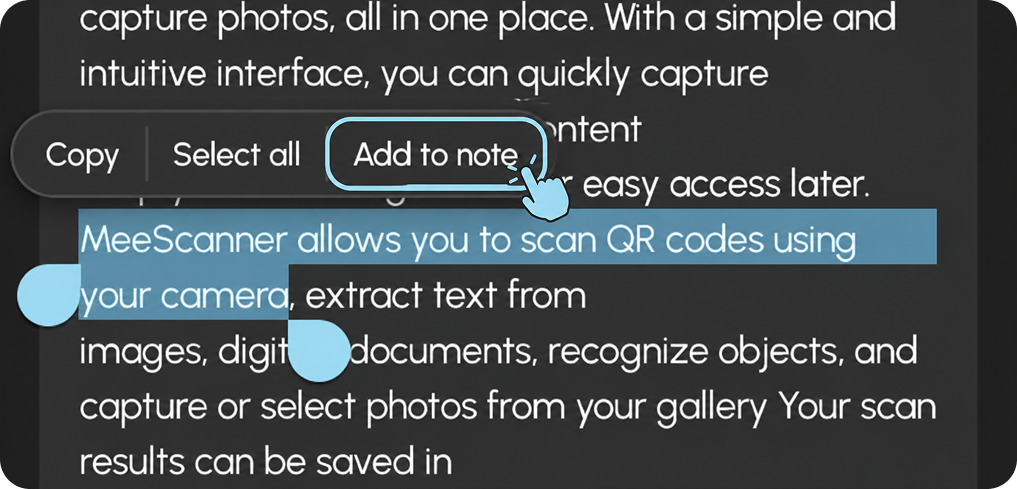
  • Select important text from your scan results and add it to notes for quick reference later.
  • Create your own notes to organize and keep track of important information.
MeeNotes screen in MeeScanner Add important scanned text to MeeNotes
EVERY SCAN HAS A PLACE

Remember Where
You Scanned.

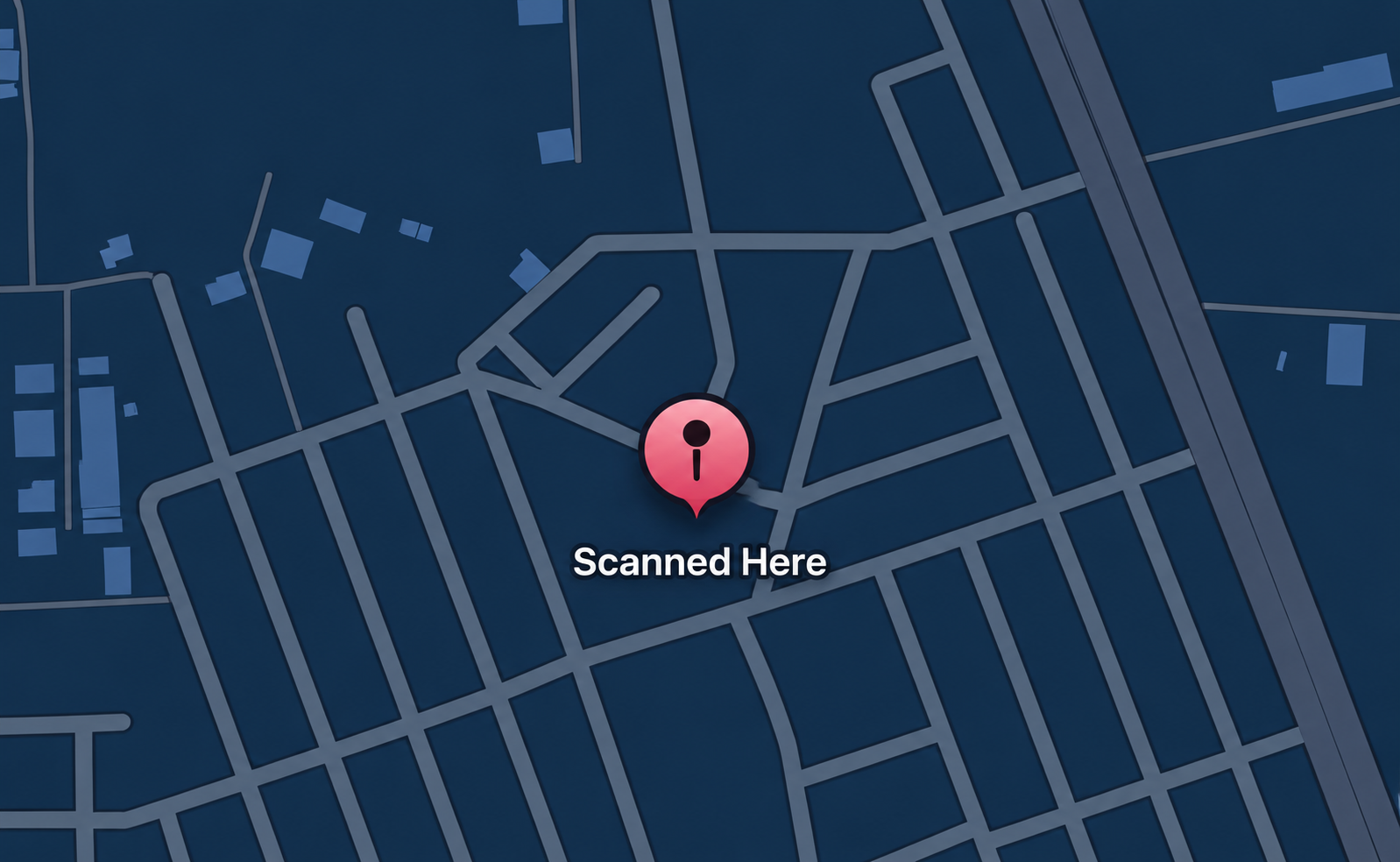
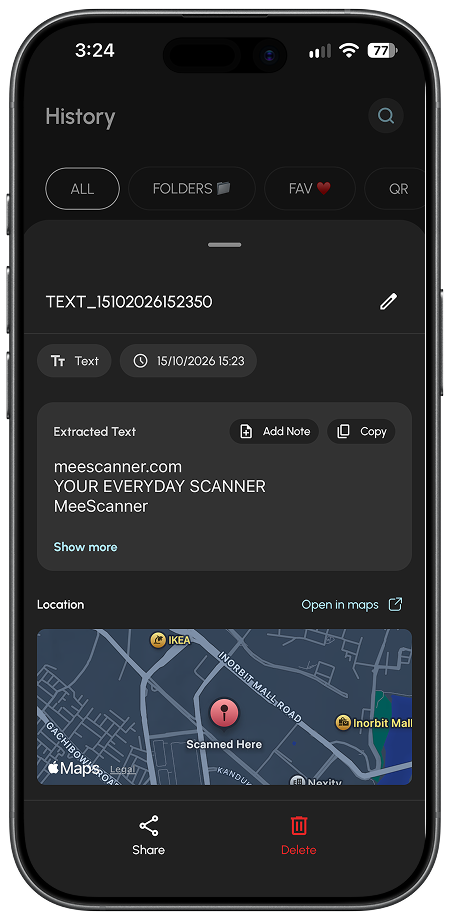
Never lose track of where you scanned something. Save the location of each scan and view it on a map right from your scan history.

Enable Capture Location in Settings to keep a location attached to your scans.

View saved scan locations on a map in MeeScanner

YOUR EVERYDAY SCANNER

Ready
to scan?

Meet the simpler way to scan, save and find what matters.